
NuLoupes Canada › Dental Loupes with Camera & Voice Capture
Chairside Documentation & Team Viewing
Dental Loupes with Camera & Hands-Free Voice Capture
Stopping mid-procedure to pick up an intraoral camera or DSLR breaks focus and slows four-handed dentistry. Explore how NuLoupes combines 1-13× stereoscopic 3D magnification with voice-activated photo/video capture and shared chairside monitor viewing.
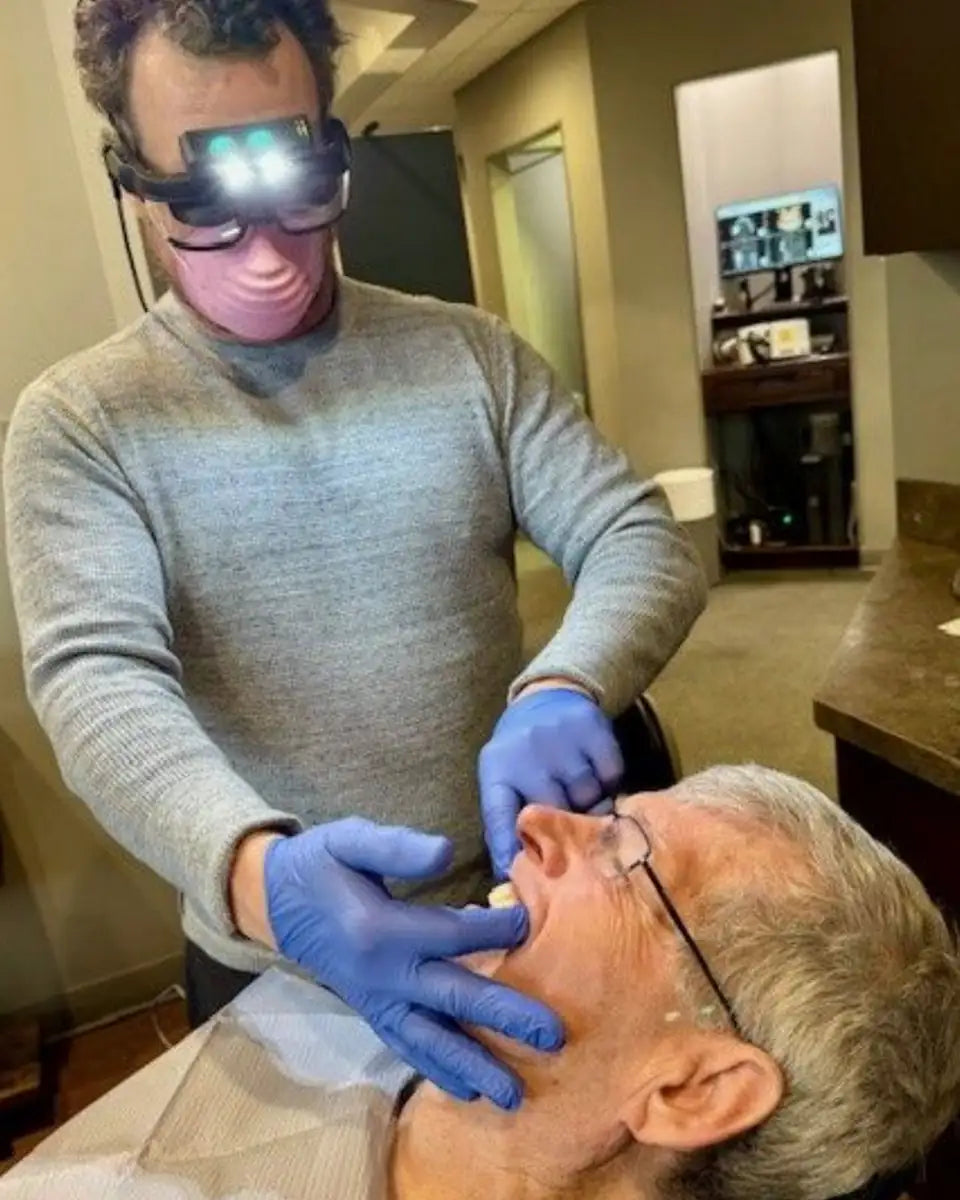
Separate camera vs. integrated hands-free capture
Traditional separate-camera steps
1. Pause the procedure and set down instruments.
2. Retrieve, barrier-check, and position a DSLR or intraoral wand.
3. Take the image, re-establish your working field, then review and file.
NuLoupes workflow to evaluate
1. Stay with the working field in stereoscopic 3D (1-13×).
2. Trigger photo or video capture by voice without breaking asepsis.
3. Mirror to a compatible chairside monitor, review with your team, and file into the patient record.
Shared monitor for four-handed teams
NuEyes describes Miracast and wired Type-C / HDMI display connections so assistants, associates, or patients can view the clinical perspective in real time.
Questions dentists ask about camera-equipped loupes
Can NuLoupes capture both photos and video hands-free?
Yes. NuLoupes supports voice-activated photo and video capture while your hands stay with the procedure. Ask for a demonstration to test voice responsiveness in your operatory environment.
How does chairside monitor sharing work?
NuEyes describes Miracast wireless mirroring and wired Type-C / HDMI connections to a compatible display. Tell us what monitor setup you use in your operatory so we can scope your demonstration.
Will captured images write automatically into Tracker, Dentrix, or Open Dental?
No automatic practice-software integration is claimed on this page. Capture, clinician review, and filing into your chart are separate steps that we review with your team on the call.
Can we time our current documentation workflow against NuLoupes?
Yes. Use the planning calculator on the main NuLoupes page to model your baseline minutes per case, then time the full capture-to-filing workflow during an in-practice demonstration.
NuLoupes and NuEyes are trademarks of NuEyes Technologies Inc. Product features are as described by NuEyes.